Real-time split preview
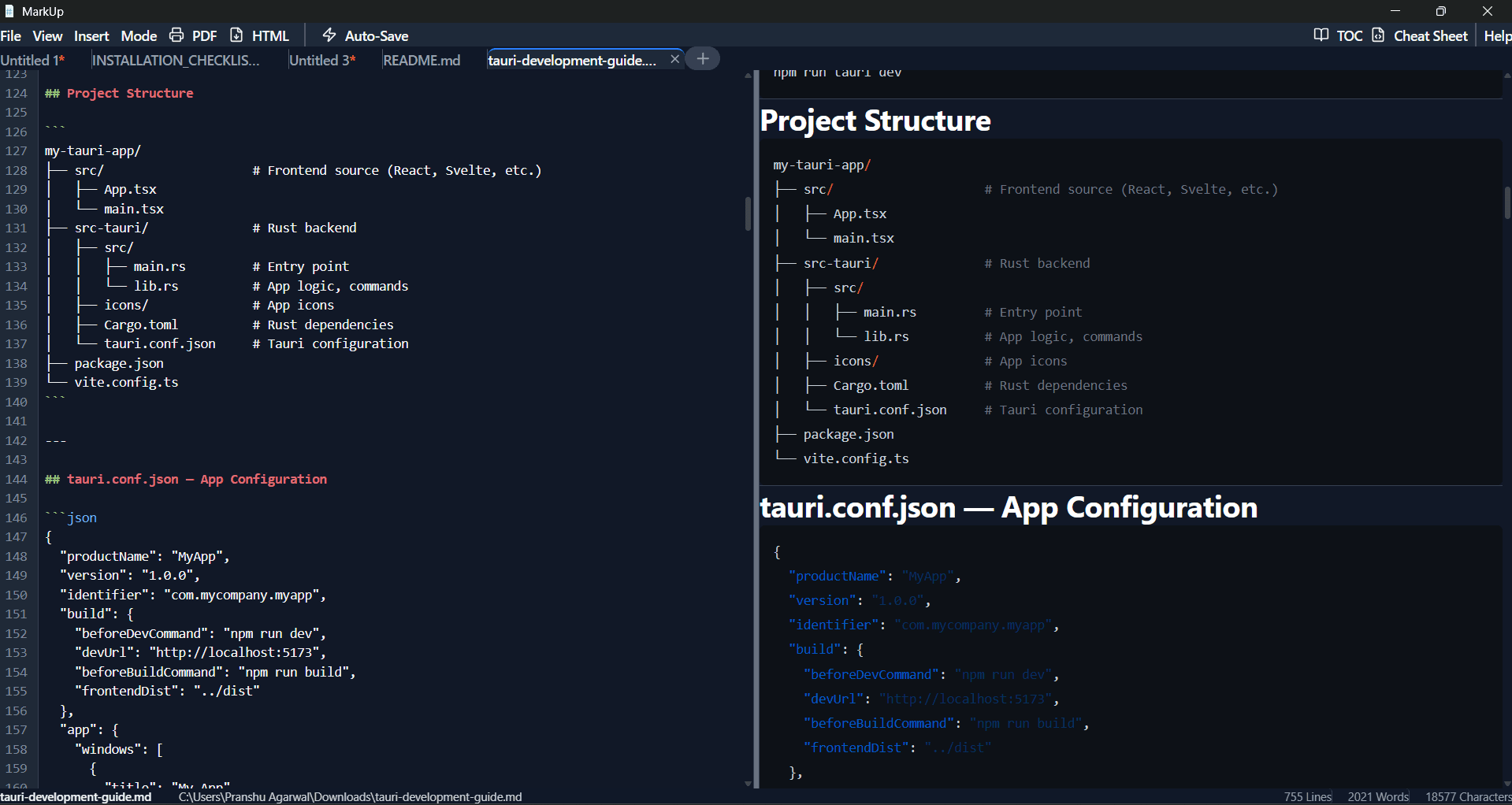
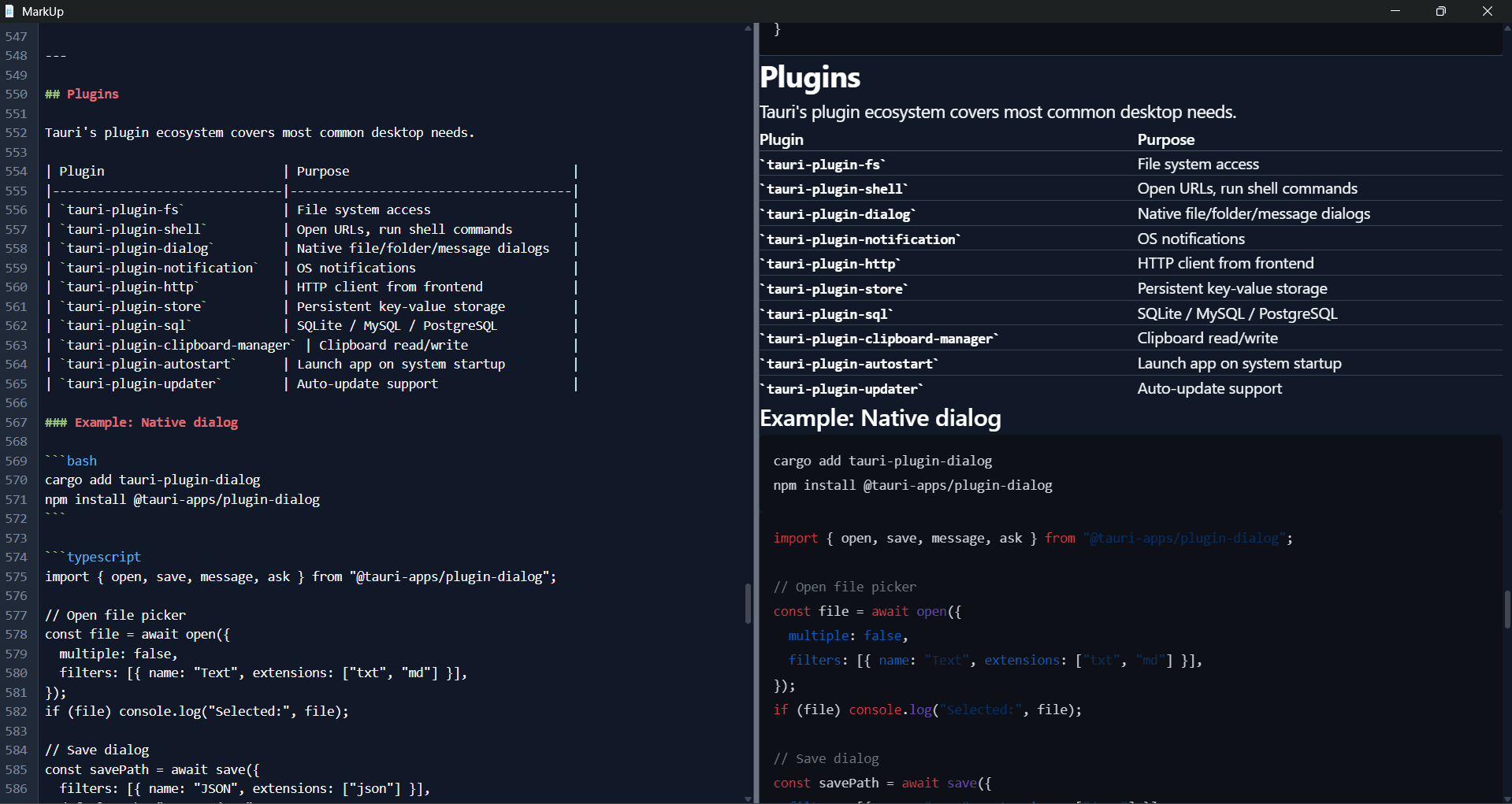
Write Markdown on the left and see the rendered output on the right, updating instantly as you type. Switch to Editor-only or Preview-only when you need focus.


Desktop Markdown Editor
A simple, fast
Markdown editor
for your desktop
MarkUp is a free desktop Markdown editor with real-time split preview. Open any .md file, write and preview side by side, and export to PDF or HTML — without opening a browser.
Free forever · No account · No internet required
3
Platforms
Free
Forever
100%
Offline
0
Data Collected
Markdown is a lightweight text formatting language created in 2004 that lets you write structured documents using plain text. Surround a word with **asterisks** to make it bold, prefix a line with # to make it a heading. Markdown is now used everywhere — GitHub README files, technical documentation, blog posts, note-taking apps, and developer wikis. It is fast to write, readable as plain text, and converts cleanly to HTML or PDF.
Most popular Markdown editors — Dillinger, StackEdit, HackMD — are web apps. They require a browser tab, an internet connection, and often an account. MarkUp works like Notepad or VS Code: install it once, double-click a .md file, and it opens with a live preview instantly. No browser tab, no login, no upload. Your files stay on your machine and open as fast as any local app.
No bloat, no subscriptions. Just a clean editor that stays out of your way.
Write Markdown on the left and see the rendered output on the right, updating instantly as you type. Switch to Editor-only or Preview-only when you need focus.
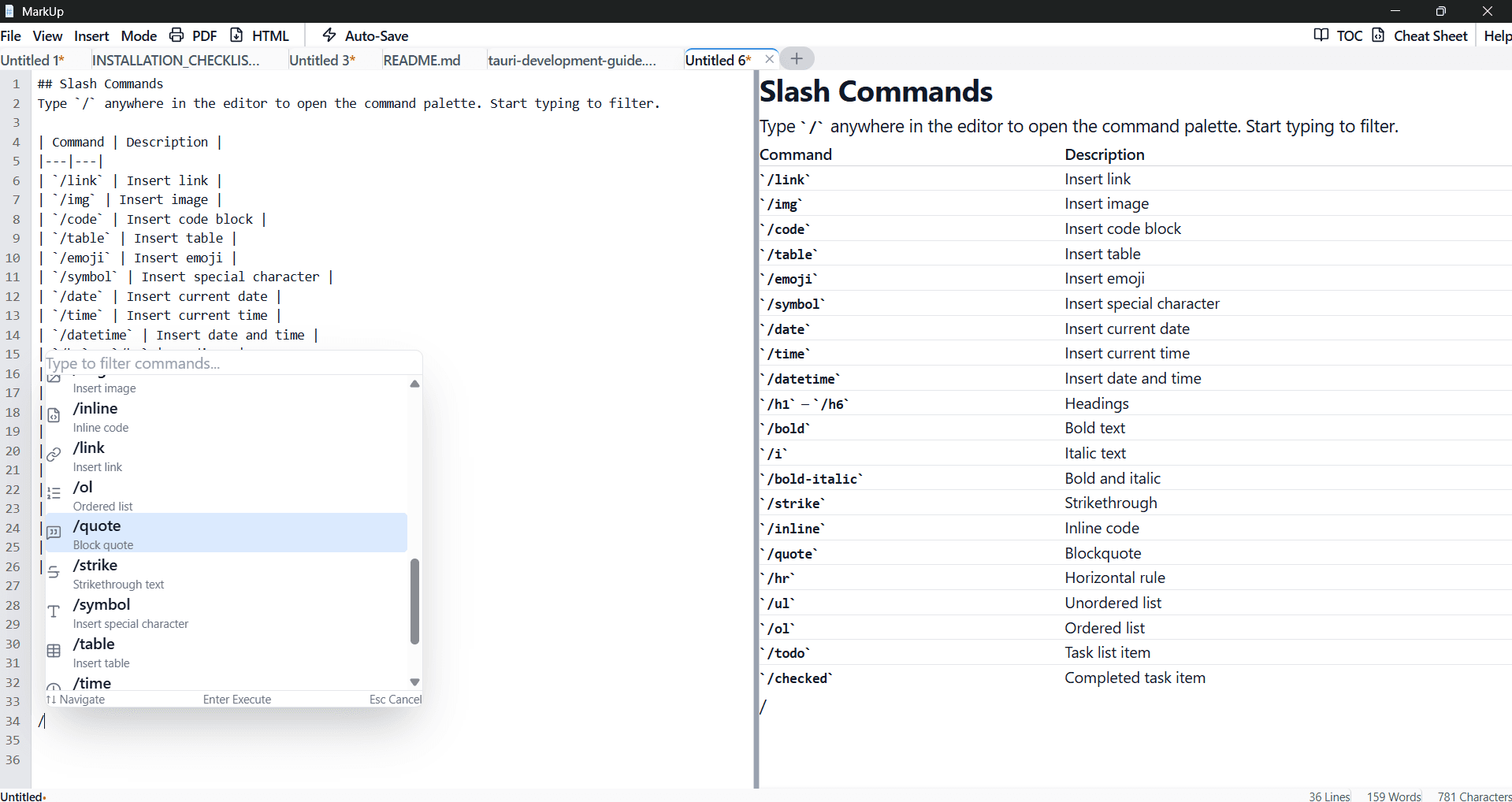
Type / to open the command palette — insert tables, code blocks, links, emojis, headings, and more without remembering any syntax. 20+ commands available.
One keypress hides the entire UI — menu bar, tabs, status bar — leaving only your text. Press Esc to return. Designed for distraction-free writing sessions.
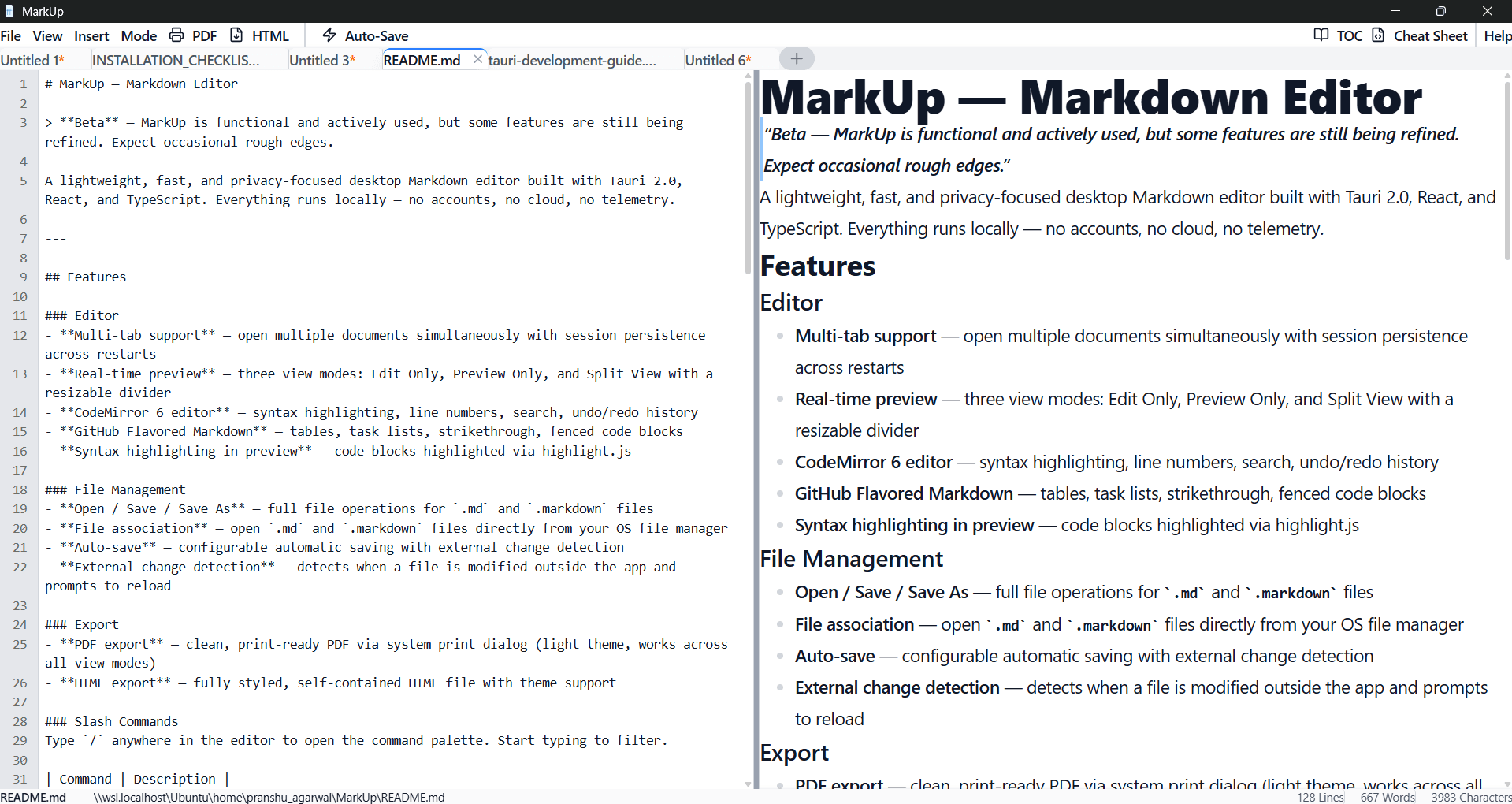
Open multiple documents in tabs. When you close and reopen MarkUp, all your tabs and their content are exactly as you left them — no manual reopening.
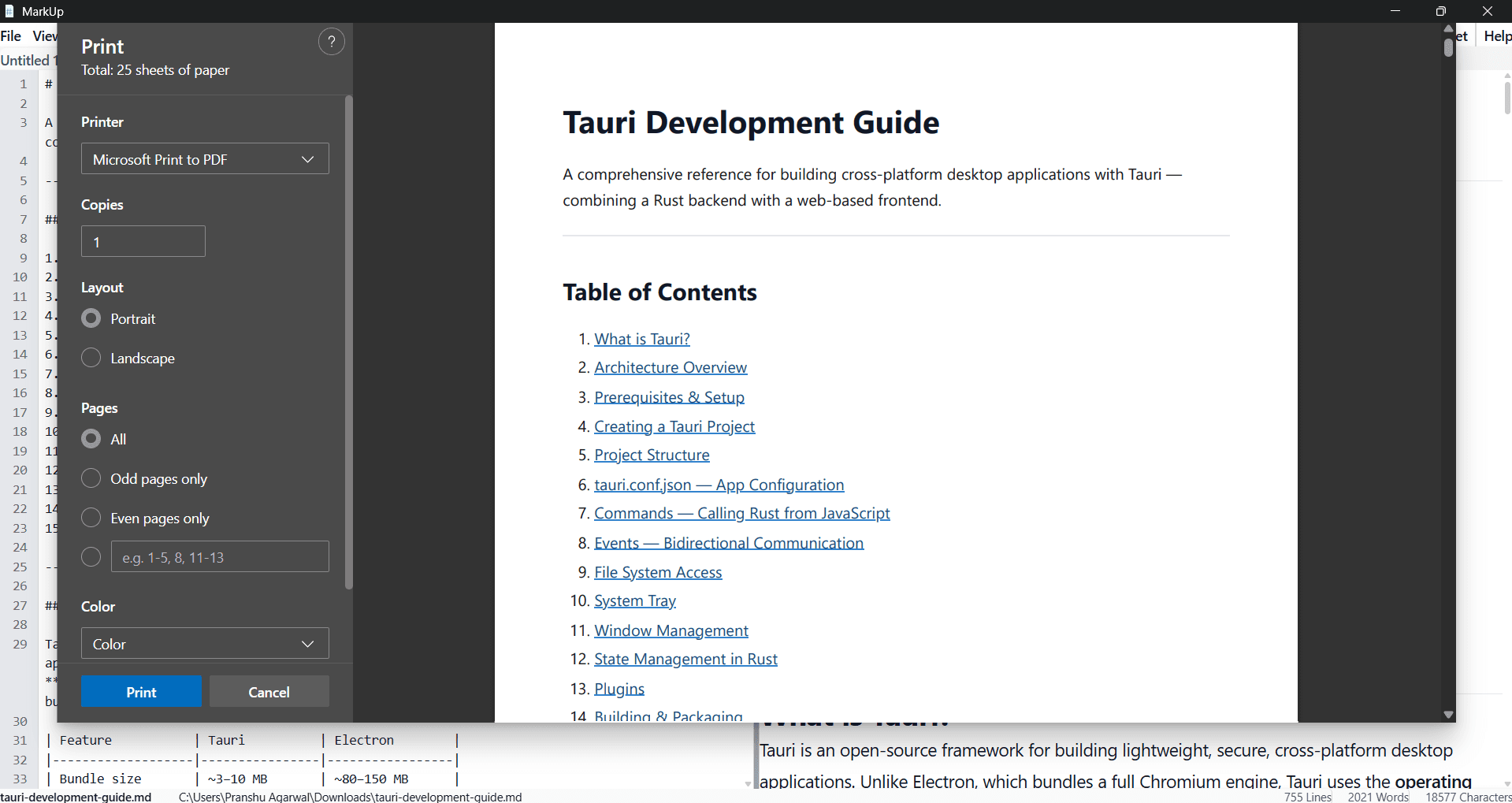
Export your document as a clean, print-ready PDF via the system dialog, or as a fully self-contained HTML file with embedded styles and syntax highlighting.
If Git, a code editor, or any sync tool modifies your open file while you are writing, MarkUp detects the change and asks whether to reload — preventing accidental overwrites.
Download, install, and start writing. No setup, no configuration.
Download the installer for your OS below. Run it like any desktop app — double-click to install. No account or signup required.
Double-click any .md or .markdown file to open it in MarkUp, or drag and drop it into the app window.
Edit in split view with live preview, use slash commands to format quickly, then export to PDF or HTML when done.
Built for keyboard-first workflows. Everything has a shortcut.
Free for Windows, macOS, and Linux. No account required.
A product by AceToolz